Simple 3D drawing, right in your browser
Draw a flat shape, pull it into a solid, type the size you need. uCAD opens straight into the editor — no download, no account, free.
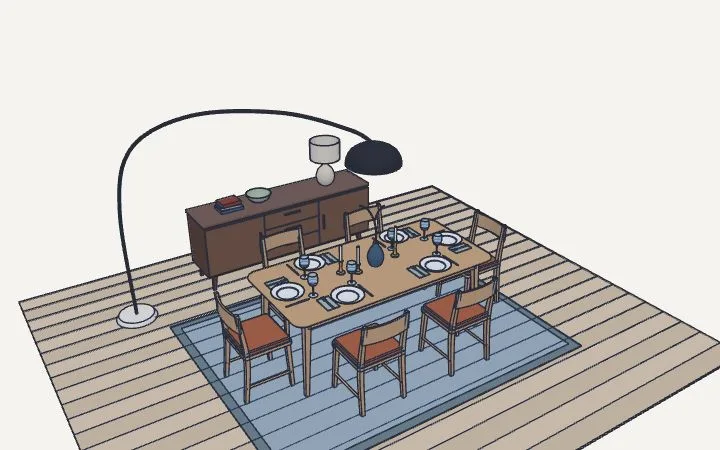
Your first model in a minute
- Press R and click two corners on the ground for a rectangle — or type the size, like 120;60, and press Enter.
- Press P, click the rectangle and pull it up. Type 75 and Enter for exactly 75.
- Draw on the top face and pull again, or push a shape in to cut a hole.
- Press Space to select, M to move, Q to rotate. Shift+Z shows everything.
Short lessons inside the app show each tool as you go; the first one opens when you start.
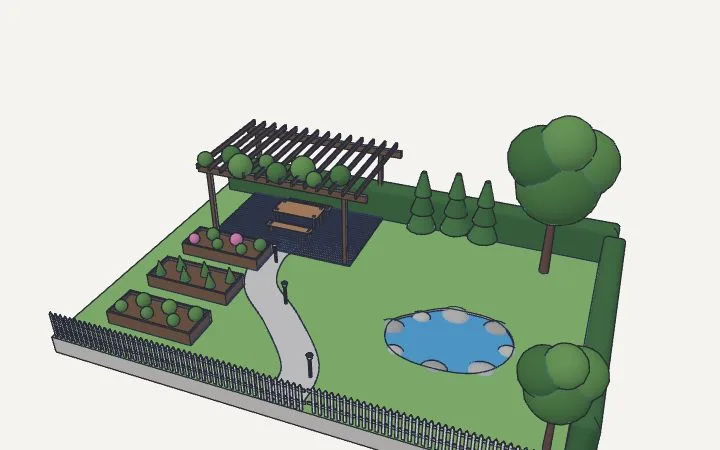
What people draw in it
Furniture and shelves
Boards as thick as the real ones, exact sizes, and every drawer or door its own part that moves.
Rooms and houses
Walls to real dimensions, doors and windows cut in, floors one over another — see the floor plans page.
Sheds, decks, gardens
Lay out a plot to scale and see how it fits before buying a single board.
Parts to 3D print
Model to the millimeter and export STL — see 3D printing.
Product ideas
Turned and swept shapes, lofts between sections, rounded edges, shells.
Quick sketches
Just a box with the right size to check what fits where.
Smart where it helps
- Snapping to points, edges, midpoints and the axes, on by default.
- Real dimensions everywhere: millimeters, centimeters, meters, inches, feet.
- Keys work in any keyboard layout.
- A trackpad works too: two fingers orbit, Shift pans, a pinch zooms.
- Open and save files: import DXF, SVG, STL, STEP; export STL, OBJ, GLB, SVG, DXF or a PNG picture.
- Share a link to show a drawing to anyone, no sign-up on their side.
Questions
Do I need to install anything?
No. uCAD runs in a modern browser on Windows, macOS, Linux or a Chromebook.
Do I need an account?
Not to draw, import or export. An account keeps your drawings online and lets you use the AI assistant.
Is it free?
Yes. The AI assistant has a free allowance; a subscription gives you more of it.
Draw something now
A shelf, a room, a part — it opens in a second.