Model parts for your 3D printer, in the browser
Draw to the millimeter, join and cut solids, round the edges, add a thread — and export STL for your slicer. uCAD is free and needs no account.
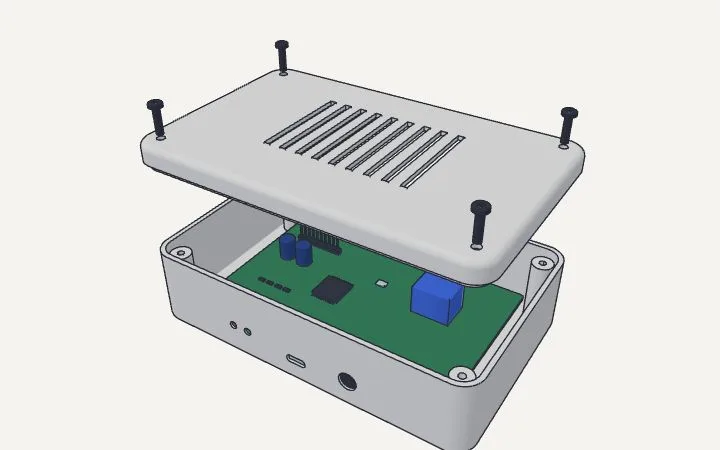
What you need for printable parts
Exact millimeters
Type every size as you draw: a rectangle 40;25, a pull 12, a hole 3.2 across.
Solids that join and cut
Union, subtract and intersect solids; push a shape into a face to cut a pocket or a hole.
Rounded edges, shells
Round or chamfer edges, hollow a body to a wall thickness for a case or a box.
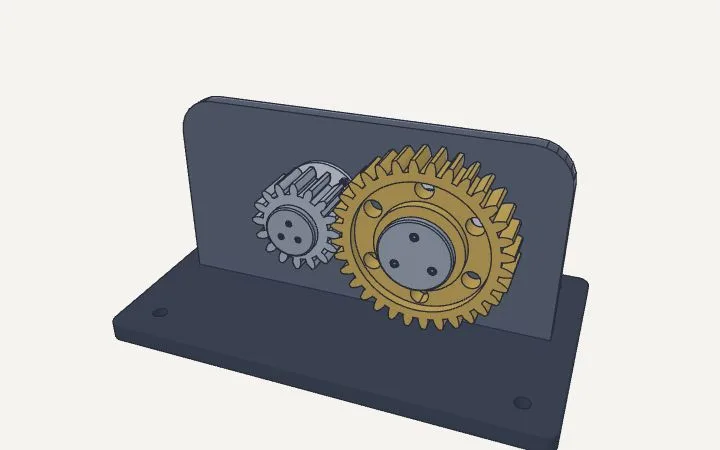
Threads and gears
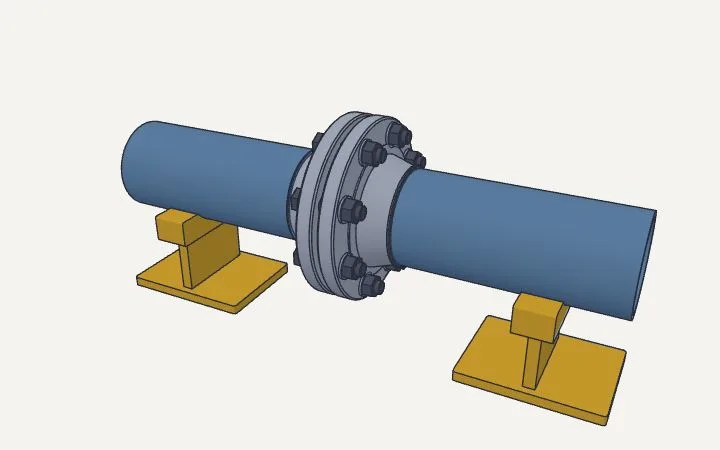
ISO metric threads on a shaft or in a hole, involute spur gears that mesh, under Mechanical.
Turned and swept shapes
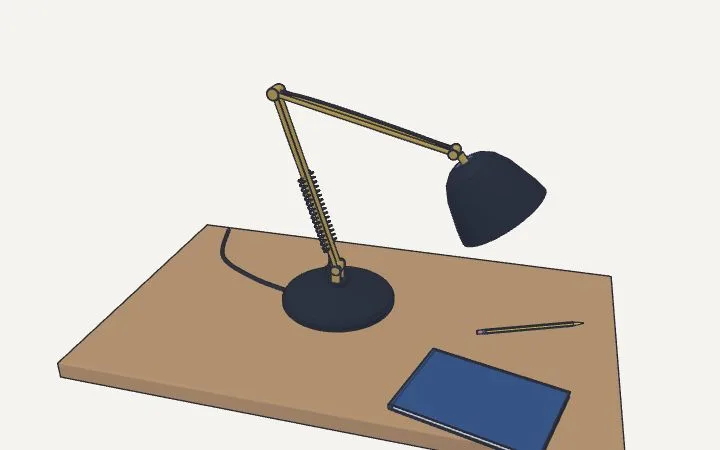
Revolve a profile into a knob, sweep a profile along a path, loft between sections.
STL out, STL and STEP in
Export STL in millimeters, or OBJ and GLB. Open an STL to change it, or a STEP part from CAD.
Questions
What units does the STL use?
Millimeters, whatever units you draw in — what most slicers expect.
Can I change an STL I downloaded?
Yes: open it in uCAD, then cut, join and add to it like any solid.
Do I need an account?
No. Drawing, importing and exporting are free and need no account.
Make your part
Open the editor, or start from the sample case.