Teaching 3D? Students say it, and see it built
Show the class uCAD’s AI building a model from one sentence, as a short script they can read and change. Then they draw their own in real sizes, in the browser, with no accounts and nothing to install, and send it to the school’s 3D printer.
What a class gets
No accounts
Students open it and draw: no sign-up, no email addresses, nothing to install.
Real sizes from the first click
Millimetres or inches; measure anything, as in real design.
See it built
The AI writes a model as a short script; students read it, change a number, run it again.
Take examples apart
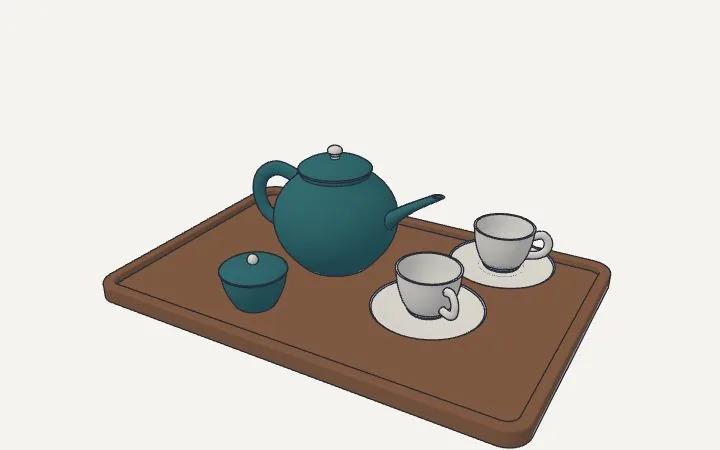
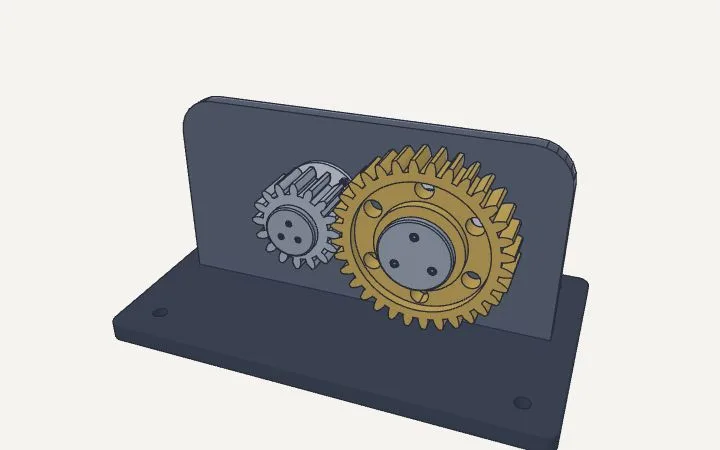
A teapot, gears, a desk lamp: open them, pull them apart, see how they’re made.
STL for the printer
Export for the school’s 3D printer, in millimetres.
Lessons inside
Short lessons in the app show each tool.
What students take apart
A tea set on a tray: a teapot, two cups on saucers, a sugar bowl
A gear pair, 24 and 12 teeth, on a base plate
A desk lamp with a spring arm
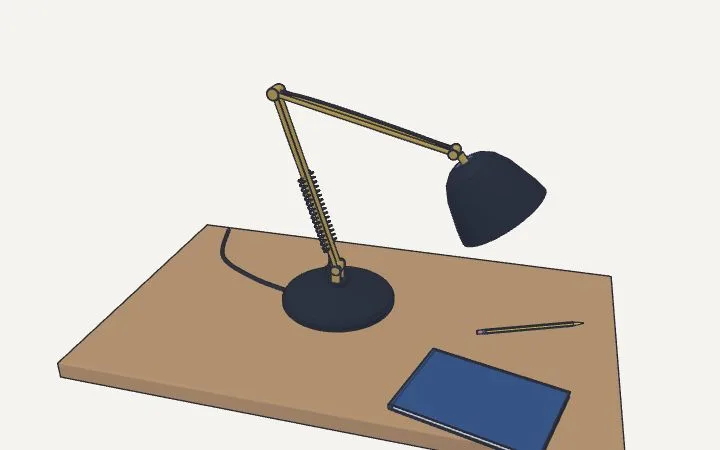
Examples that open in the editor: each is built by a short script the class can read.
Tell us what you need. We’ll do it.
uCAD’s AI draws it in real sizes, and changes it when you ask.
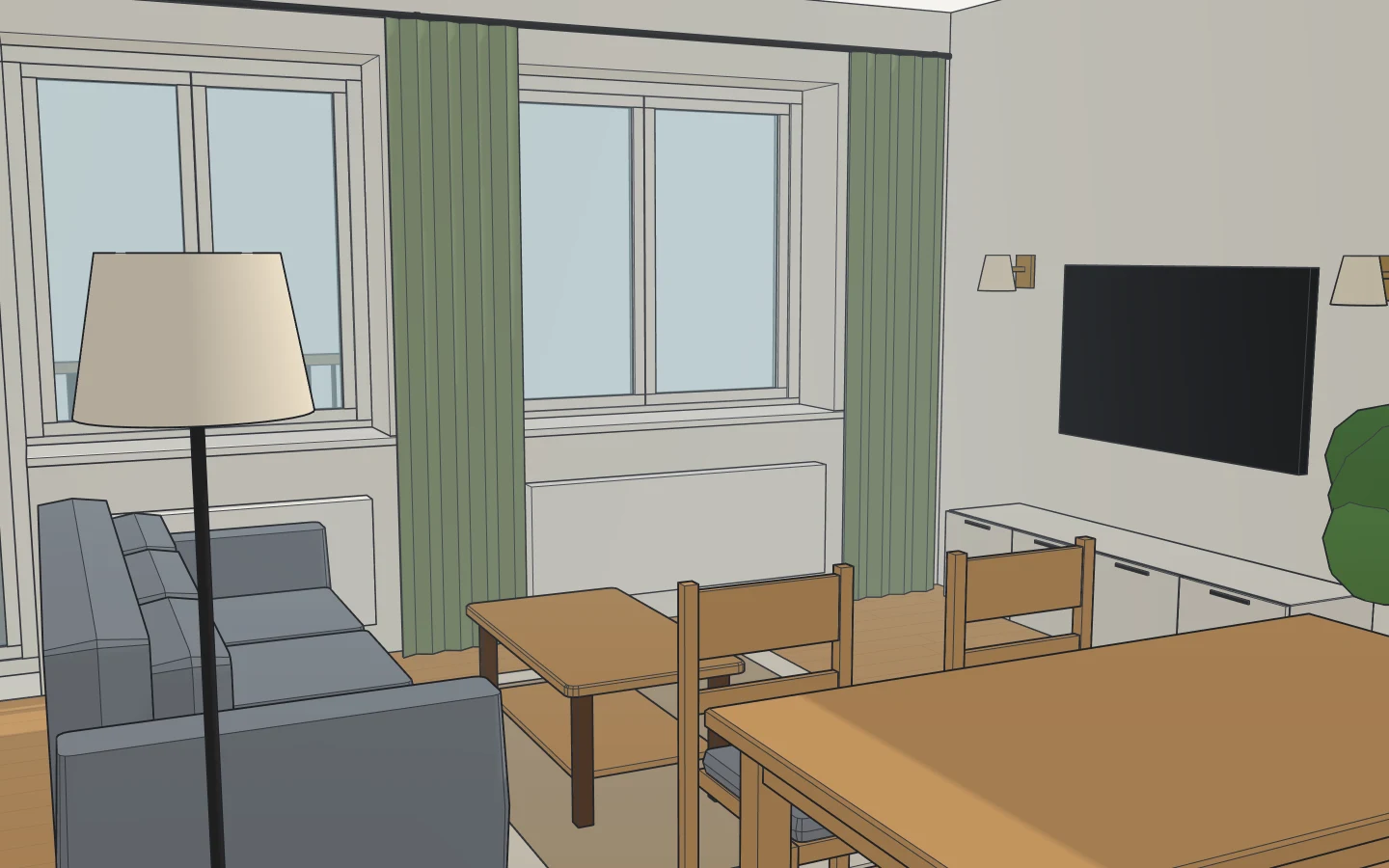
Can’t make the furniture fit?
We’ll lay it out for you, every piece at its real size.
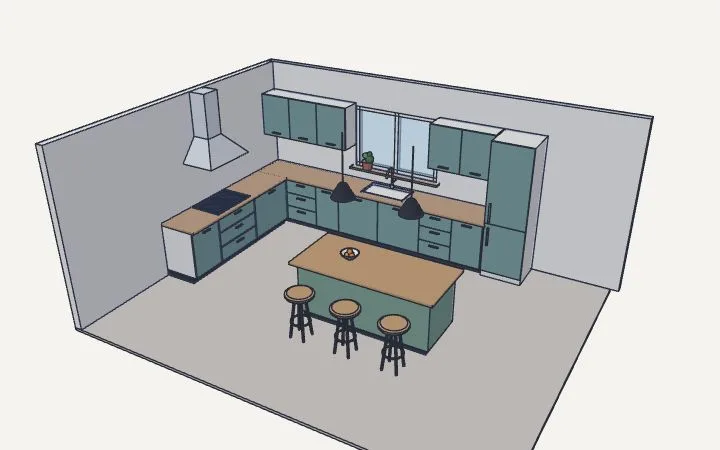
Want a new kitchen?
We’ll design it: the units, the worktop, the appliances, to your walls.
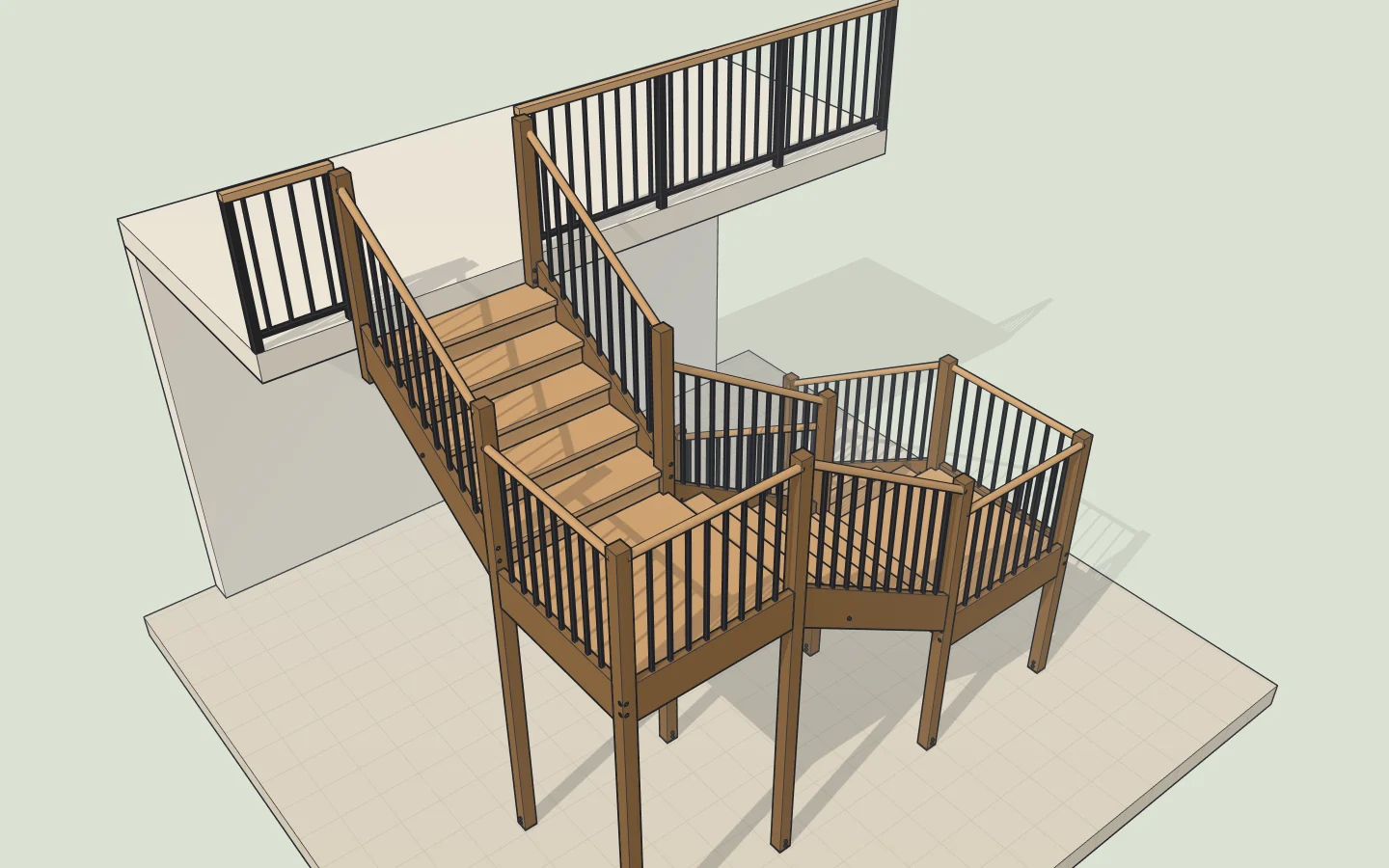
Not sure the staircase will fit?
It will: we work out the steps from your floor height and show you.
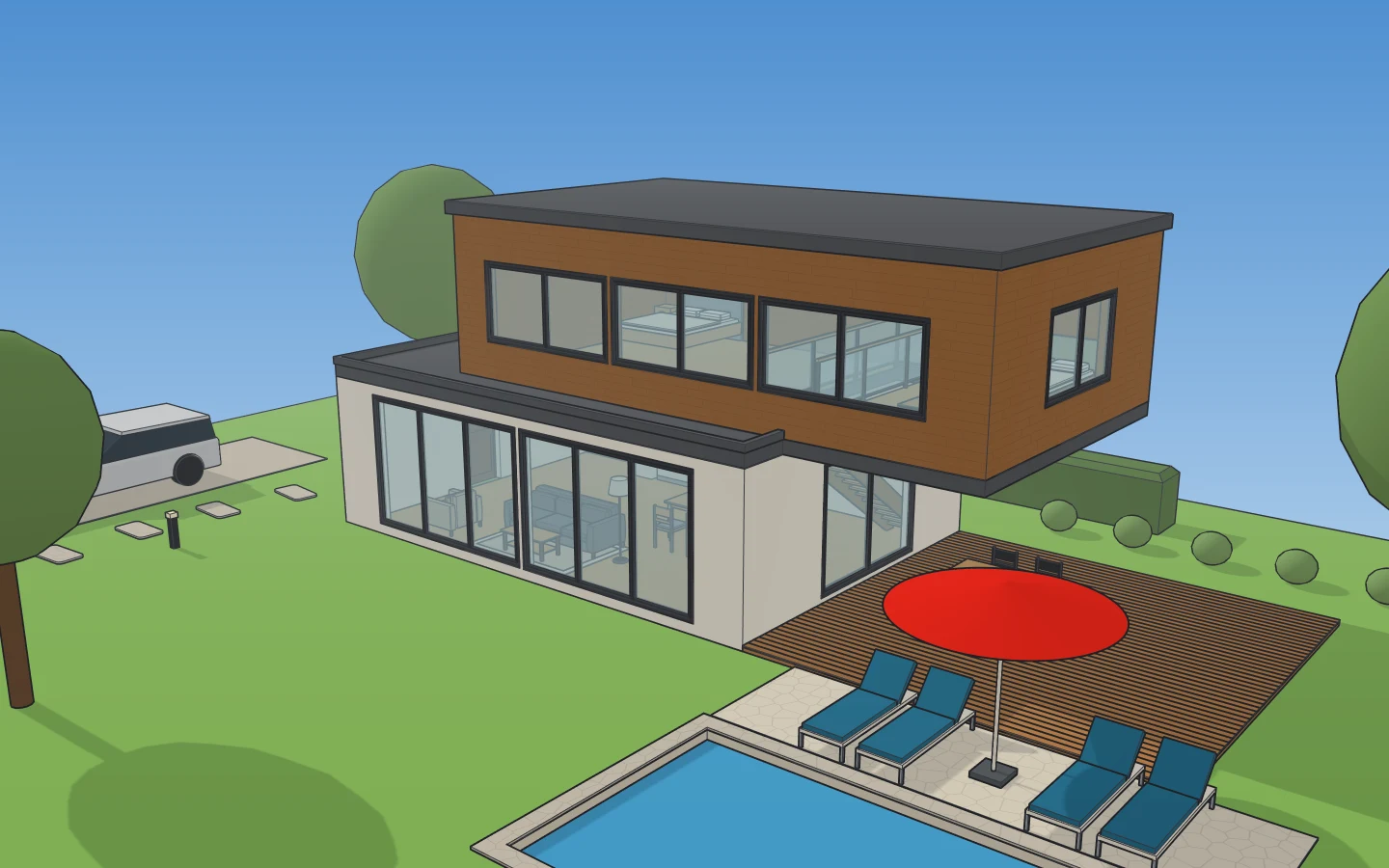
Love a house, a garden or a room you saw?
Show us the photo: we’ll build one like it, to real sizes.
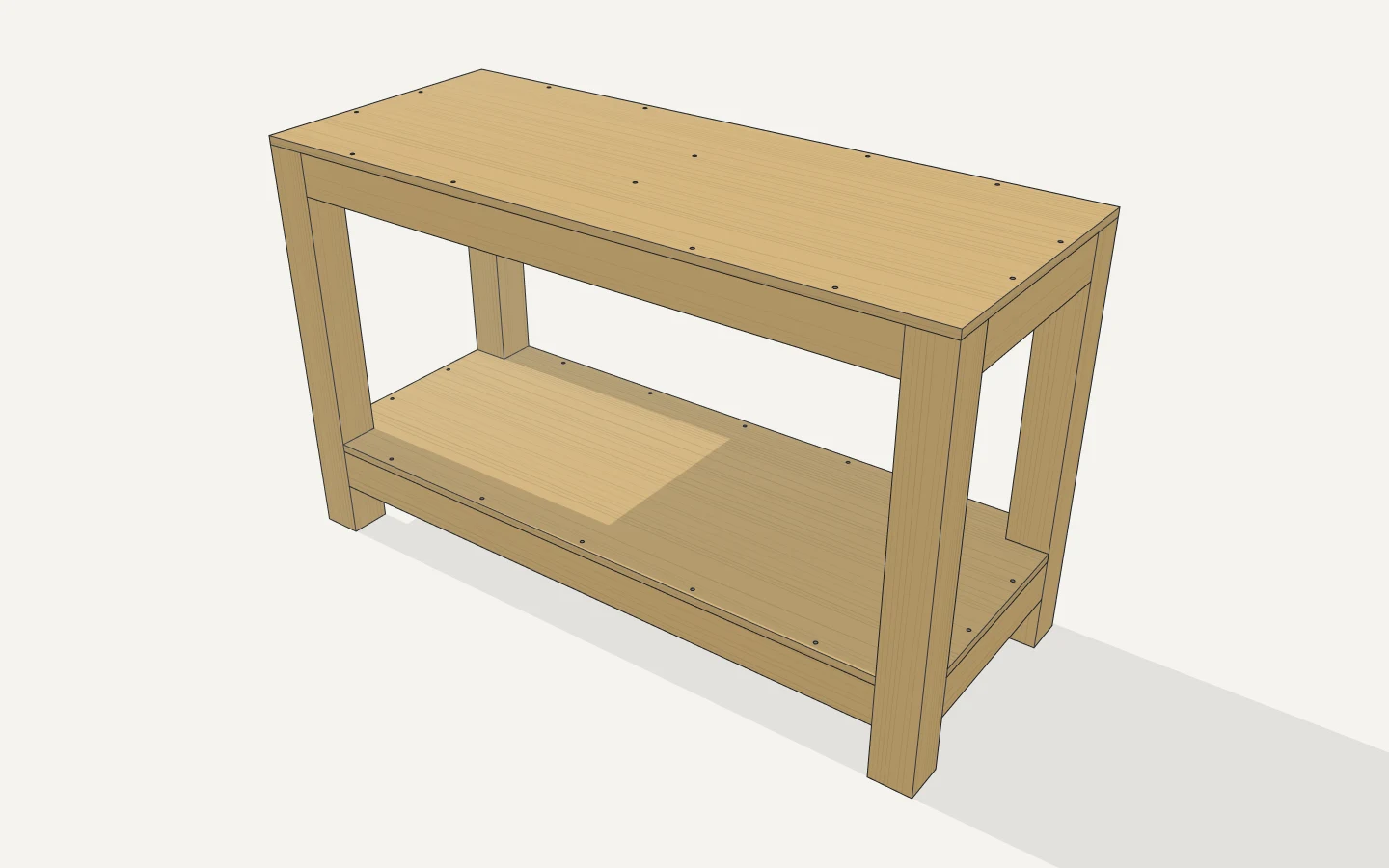
Building a shelf, a bench, a workbench?
You get the cut list, what to buy and how to put it together.
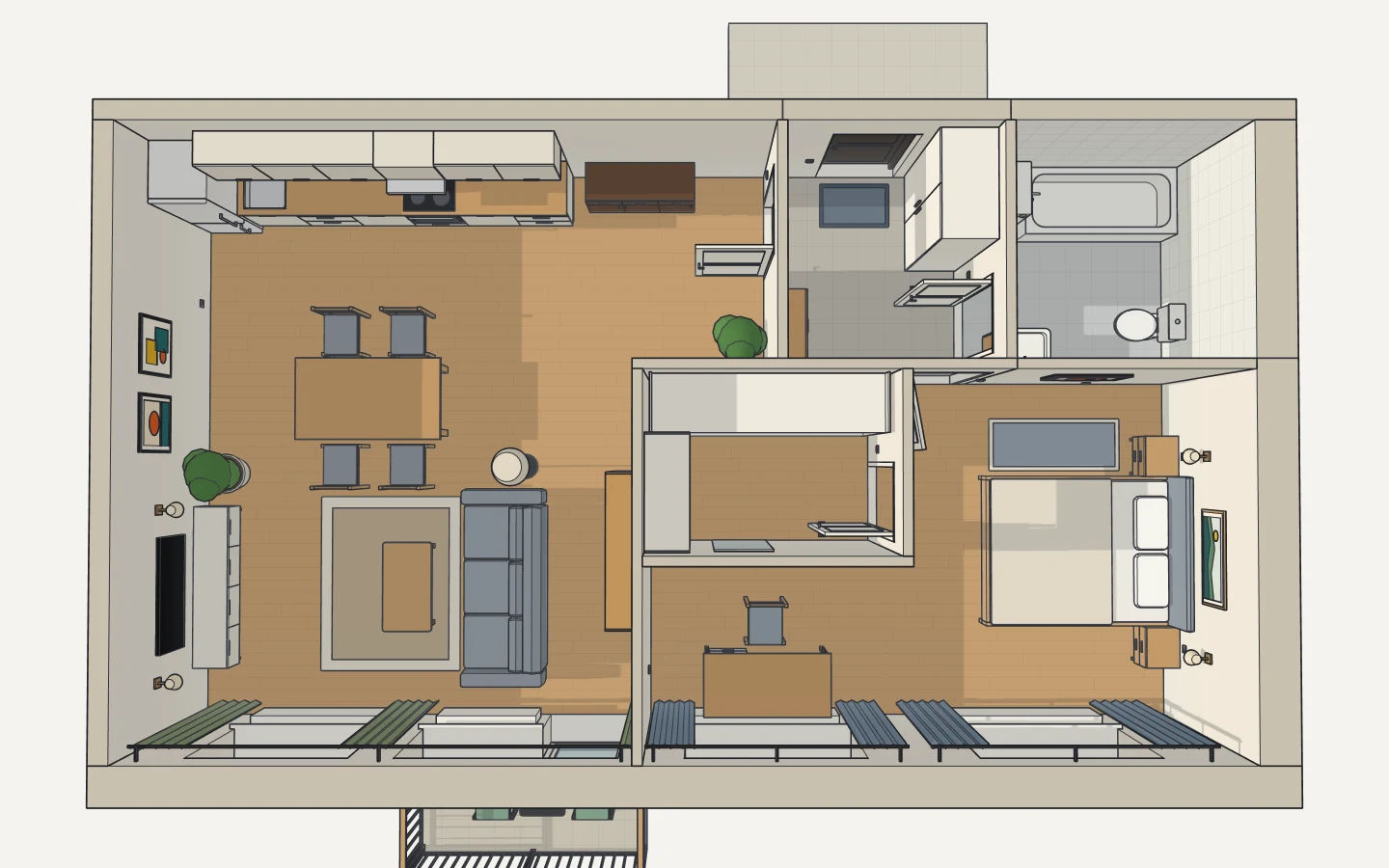
Need a floor plan?
Tell us the rooms: we’ll draw the flat or the house, walls, doors and windows.
You say it, we draw it
No CAD to learn: write what you need the way you’d tell a builder or a designer.
Not right? Say so
“Move the sofa to the window.” “A metre wider.” Every change can be undone; nothing can break.
Free to try
Nothing to install: it opens in your browser. A new account tries the AI free.
Questions
Do I need to know CAD?
No. Say what you need and uCAD’s AI draws it; ask again to change it. The drawing tools are there if you’d rather do some of it yourself.
What does the AI cost?
A new account tries it free. After that it comes with uCAD Pro ($19.99 a month); building after a photo, a sketch or a plan is in uCAD Studio ($49.99 a month). Drawing by hand, importing and exporting stay free.
How exact is it?
Every part has its real size, and you can measure anything. If the AI gets a detail wrong, tell it, or fix it by hand.
Is it a Tinkercad alternative?
For older students ready for real dimensions, push/pull and sections, yes, and it needs no accounts. Younger ones may like Tinkercad’s blocks better.
Where are the students’ drawings kept?
In the browser they were made in, and in the .ucad file when they press Save. Nothing goes online unless someone signs in or shares a link.
Try it before your class
Nothing to install, no accounts to set up.